How to Close the Customer Feedback Loop (And Why Most Teams Fail)
Learn the 4-step framework to close the customer feedback loop. Turn feedback into features and customers into advocates.
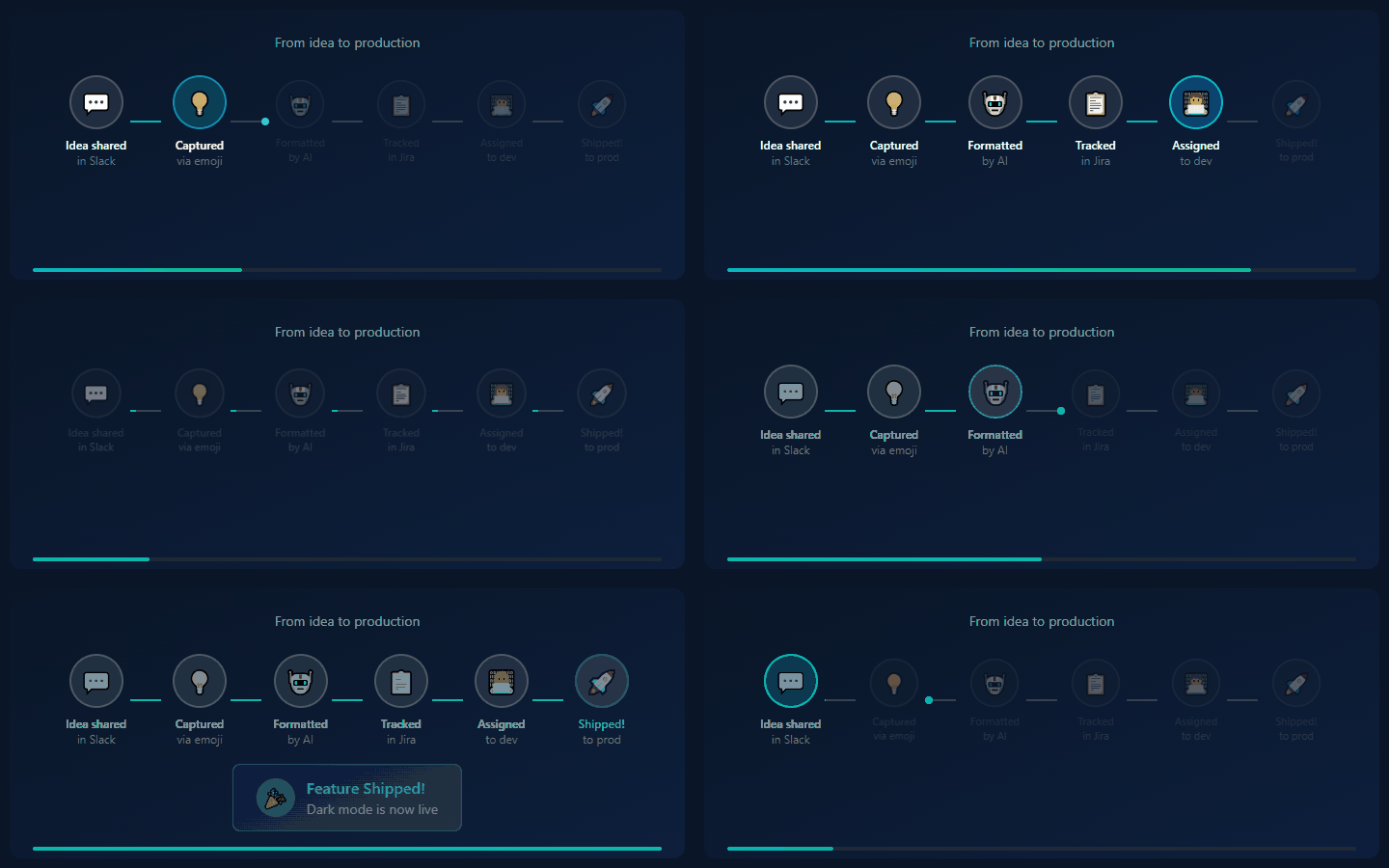
You collect customer feedback. Lots of it.
Support tickets. NPS surveys. Sales call notes. Slack messages. Feature request forms. Social media mentions.
But here's the uncomfortable question: What happens to it?
If you're like most teams, the answer is: not much. Feedback enters a void. Occasionally something gets built. The customer who requested it never hears about it.
This is the broken feedback loop. And it's costing you customers.
What Is a Customer Feedback Loop?
A feedback loop has four stages:
     ┌──────────────────────────────────────┐
     │                                      │
     ▼                                      │
┌─────────┐    ┌─────────┐    ┌─────────┐    │
│ COLLECT │ → │ ANALYZE │ → │  BUILD  │ ───┘
└─────────┘    └─────────┘    └─────────┘
                                  │
                                  ▼
                           ┌──────────┐
                           │  NOTIFY  │
                           └──────────┘
- Collect: Gather feedback from all sources
- Analyze: Understand patterns, prioritize
- Build: Actually implement improvements
- Notify: Tell customers what you did
Most teams nail step 1, attempt step 2, occasionally do step 3, and completely skip step 4.
That last step—notification—is where the magic happens. And where most teams fail.
Why Closing the Loop Matters
The Data
- 68% of customers leave because they feel the company doesn't care about them (not price, not product)
- Customers who receive follow-up on feedback are 3x more likely to recommend your product
- Closing the loop increases NPS by 20+ points on average
The Logic
When you tell customers their feedback led to a change:
- They feel heard → Loyalty increases
- They see impact → More feedback flows
- They tell others → Word-of-mouth grows
- They have patience → Future issues forgiven faster
The Anti-Pattern
When you don't close the loop:
- Customers feel ignored → Resentment builds
- Feedback stops → Product decisions get worse
- Same issues repeated → Support burden increases
- Silent churn → Customers leave without warning
The 4-Step Feedback Loop Framework
Step 1: Collect (Unified Inbox)
Goal: Every piece of feedback lands in one place.
Current state (most teams):
- Support tickets in Zendesk
- NPS responses in Delighted
- Sales notes in Salesforce
- Slack mentions in... Slack
- Twitter/Reddit mentions in social tools
- Survey responses in Typeform
Target state: All of the above → One central inbox
How to achieve it:
Option A: Manual Consolidation
- Weekly task: Export/review each source
- Copy insights to central doc (Notion, Airtable)
- Tag by theme, customer, priority
Effort: 2-3 hours/week Downside: Delayed, things slip through
Option B: Zapier Integration
- Connect each source to central database
- Auto-create entries when feedback arrives
- Tag by source
Effort: Initial setup, then mostly automatic Downside: Limited to simple pass-through
Option C: Dedicated Tool
- IdeaLift, ProductBoard, Canny, etc.
- Native integrations with major sources
- AI categorization and deduplication
Effort: Configuration, then fully automatic Downside: Monthly cost
Regardless of tool, capture:
- Who (customer name, segment, revenue)
- What (the actual feedback, verbatim)
- Where (source: support, sales, survey, etc.)
- When (timestamp)
- Why (what prompted this feedback)
Step 2: Analyze (Pattern Recognition)
Goal: Turn raw feedback into actionable insights.
Activities:
Categorize: Group feedback by theme:
- Usability issues
- Missing features
- Performance problems
- Pricing concerns
- Documentation gaps
Quantify: Count occurrences. "Dark mode requested 47 times" is more compelling than "some people want dark mode."
Segment: Who is asking for what?
- Enterprise vs SMB
- New users vs power users
- Industry vertical
- Use case
Prioritize: Use frameworks like:
- RICE: Reach × Impact × Confidence / Effort
- ICE: Impact × Confidence × Ease
- Value vs Effort matrix
Weekly ritual: 30-minute meeting to review new feedback:
- What patterns are emerging?
- Any urgent issues?
- Which requests align with strategy?
Step 3: Build (Execute on Insights)
Goal: Turn prioritized feedback into shipped improvements.
Best practices:
Link tickets to feedback: When a feature or fix is in development, link it to the original feedback. This enables step 4.
JIRA-1234: Add dark mode
─ Related feedback:
  - IdeaLift #47 (23 requests)
  - Support ticket #9821
  - NPS verbatim from @acme-corp
Include customer voice: In your spec or user story, include actual customer quotes. This keeps the team connected to the "why."
Ship incrementally: Partial solution > perfect solution that never ships. If customers asked for advanced export and you can ship basic export now, do it.
Track time from feedback to ship: A healthy loop closes in weeks, not years. If average time is 6+ months, your backlog is too deep.
Step 4: Notify (Close the Loop)
Goal: Tell customers their feedback mattered.
This is where most teams fail. Let's fix it.
Who to notify:
- The original requester(s): The customer who submitted the feedback
- Related requesters: Others who asked for the same thing
- The broader audience: Changelog, social media, email
When to notify:
| Stage | Notification | |-------|--------------| | Feedback received | "Thanks, we've logged your feedback" | | Under review | "We're actively discussing this" (optional) | | Planned | "Great news! This is on our roadmap for Q2" | | Shipped | "Your requested feature is now live!" | | Declined | "We've decided not to build this because..." |
How to notify:
Personal email (high-value customers):
Subject: Your feature request is now live!

Hi Sarah,

Three months ago, you told us you needed better export options.
Today, I'm excited to let you know we've shipped exactly that.

You can now export to CSV, PDF, and Excel—directly from the
dashboard.

Thanks for taking the time to share your feedback. It made a
real difference.

[Try the new export →]

Best,
[Your name]
Bulk notification (many requesters):
Subject: You asked, we built it

Hi,

You submitted a feature request for dark mode. We listened.

Dark mode is now available in Settings → Appearance.

Thank you for being part of making [Product] better.

[Enable dark mode →]
In-app notification: Pop-up or banner for users who requested a specific feature.
Public changelog: Document shipped features with context: "Based on feedback from 47 users, we've added..."
Slack/Discord notification: If feedback came from community channel, post back: "🚀 The export feature discussed here is now live!"
Automating the Feedback Loop
Manual loops are better than no loops. But automation scales.
Automation Opportunities
| Stage | Manual | Automated | |-------|--------|-----------| | Collect | Copy-paste to spreadsheet | Zapier/native integrations | | Analyze | Weekly manual review | AI categorization + dashboards | | Build | Remember to link | Auto-link feedback to tickets | | Notify | Manual emails | Triggered notifications |
Tools That Help
IdeaLift:
- Captures feedback from Slack, Discord, Teams
- Auto-categorizes with AI
- Syncs to Jira/GitHub
- Notifies original requester when shipped
Canny:
- Public voting board
- Status notifications built-in
- Changelog integration
ProductBoard:
- Full feedback management
- Customer segments
- Roadmap integration
Custom (Zapier + CRM):
- Link feedback records to Jira tickets
- When Jira ticket closes → Trigger email via CRM
- Requires setup but very flexible
Measuring Feedback Loop Health
Metrics to Track
| Metric | Target | Why | |--------|--------|-----| | Time from feedback to acknowledgment | < 24 hours | Shows you're listening | | Time from feedback to shipped | < 90 days (avg) | Shows you act on feedback | | Loop closure rate | > 80% | % of requesters notified | | Feedback volume | Growing | Trust in the system | | Repeat feedback from same customer | Low | Issues getting resolved |
Dashboard Example
Feedback Loop Health - January 2026
────────────────────────────────────
Total feedback received:     234
Feedback categorized:        228 (97%)
Linked to roadmap items:     89 (38%)
Shipped (and notified):      12
Declined (with explanation): 8
In progress:                 23
Loop closure rate:           100% for shipped items
Avg time to ship:            47 days
Common Mistakes
Mistake 1: Only Closing Positive Loops
You notify when you build what they asked. You ghost when you decline.
Fix: Always close, even with "no." Customers respect transparency.
Mistake 2: Generic Notifications
"We've shipped updates based on customer feedback."
Means nothing. Customers don't feel individually heard.
Fix: Personalize. "You asked for X. We built X."
Mistake 3: Closing Too Late
The customer forgot they asked. Or worse, they already churned.
Fix: Ship faster. Or notify at intermediate stages ("this is now planned").
Mistake 4: No System
Relying on memory or good intentions.
Fix: Build explicit tracking. Feedback → Ticket → Status → Notification trigger.
Mistake 5: PM as Bottleneck
One person manually tracking all feedback and sending all notifications.
Fix: Automate. Or at minimum, systematize with templates and scheduled reviews.
The Competitive Advantage
Most companies treat customer feedback as a burden—something to manage, triage, occasionally act on.
A few companies treat it as a strategic asset. They:
- Capture systematically
- Analyze rigorously
- Build responsively
- Notify religiously
These companies grow through word-of-mouth. Their NPS is 20+ points higher. Their customers evangelize.
The difference isn't resources. It's discipline.
Getting Started Today
Week 1:
- Audit your feedback sources (where does feedback currently live?)
- Choose a central inbox (Notion, Airtable, dedicated tool)
- Start capturing from biggest source
Week 2:
- Set up weekly triage ritual (30 min, same time each week)
- Create categorization system
- Link 5 existing features to original feedback
Week 3:
- Notify 10 customers about features you already shipped
- Measure response (replies, sentiment)
- Create notification templates
Ongoing:
- Every shipped feature → Notify original requesters
- Every declined request → Send explanation
- Monthly → Review metrics, improve system
Conclusion
The customer feedback loop isn't about collecting more feedback. You probably have plenty.
It's about closing the loop—making sure customers know their voice was heard, considered, and acted upon (or deliberately not acted upon, with explanation).
The tactical benefits: higher NPS, lower churn, more word-of-mouth.
The strategic benefit: a product that actually solves customer problems because you never lose touch with what they need.
Start closing the loop today.
Ready to automate your feedback loop? Try IdeaLift free →
Related posts:
- How to Track Feature Requests Without Losing Your Mind
- The Complete Guide to Product Feedback Management
- How to Prioritize Features Without Going Crazy
Ready to stop losing ideas?
Capture feedback from Slack, Discord, and Teams. Send it to Jira, GitHub, or Linear with one click.
Try IdeaLift Free →